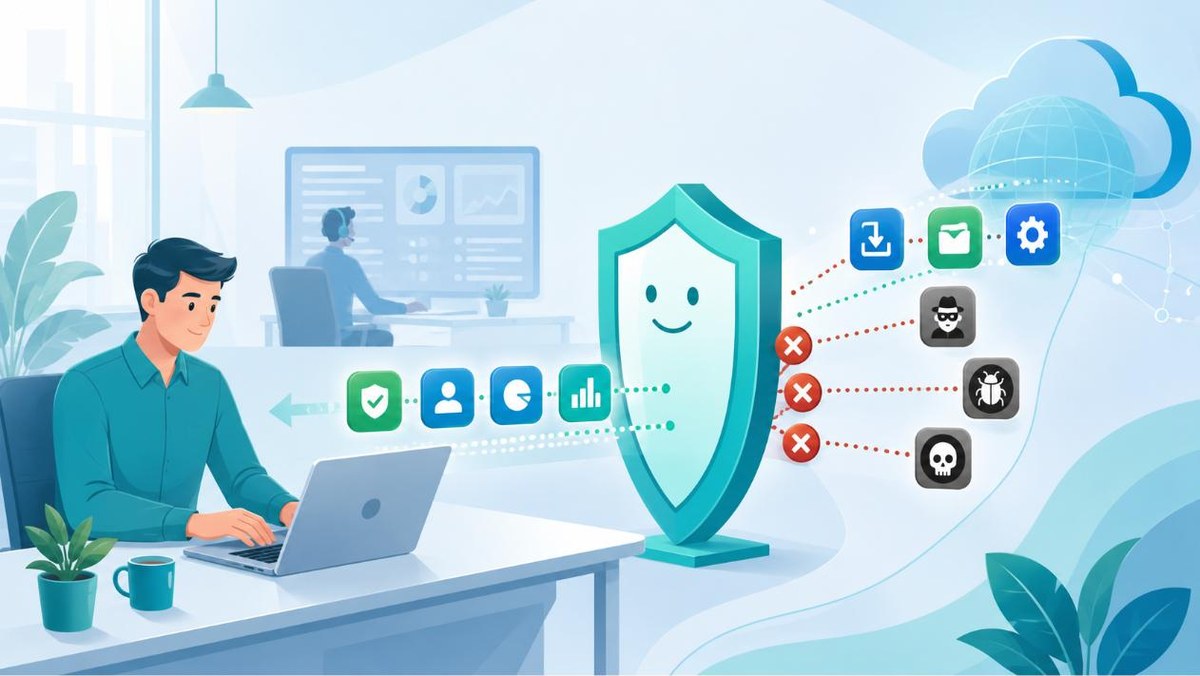
You know the moment. You find a tool that would solve your problem in five minutes, you click Install and a gray box appears: “Contact your system administrator.” Everything stops. It feels like someone doesn’t trust you.
It feels like bureaucracy. What sits behind it is risk management, and the reasons are more concrete than most people assume. Let’s walk through them.
That download isn't always what you think
Think about how you normally get software on your own. You type the name into a search engine, click the first result and download the installer. That is exactly the chain attackers have learned to break into.
In early 2025, security researchers tracked a campaign in which criminals registered domains such as putty.run and updaterputty.com, bought their way to the top of the search results and served up “PuTTY”, “WinSCP” and fake versions of familiar names like ChatGPT, Zoom and Teams. The installer looked normal on the surface. What came with it was a silent backdoor and information-stealing malware. The installers had been padded to as much as 800 megabytes so they would look genuine and slip past scanners. The campaign hit an estimated 8,500 users, and the targets were specifically employees of small and mid-sized companies, along with IT professionals.
That is the whole point. From a search result you cannot tell which download is genuine and which is not. When software comes from a central, vetted source, nobody has to make that call while tired in the middle of a workday.
Admin rights turn a small hole into a big one
To install whatever you want, your machine has to give you administrator rights. And that right is the most valuable thing an attacker can get hold of.
BeyondTrust’s Microsoft Vulnerabilities Report covering 2025 counted 1,273 vulnerabilities in Microsoft products. Of those, 509, or 40%, were elevation-of-privilege flaws: vulnerabilities that let an attacker promote themselves from an ordinary user to an administrator. There were 157 critical vulnerabilities, more than twice as many as the year before. According to the same report, simply removing administrator rights from ordinary users has historically neutralized around 75% of Microsoft’s critical vulnerabilities.
The logic is straightforward. If every employee runs their machine as an administrator, every hole like that is wide open from the start. If they do not, an attacker has to break a second lock first. It is the same setting either way. Either the employee has administrator rights or there is that extra lock, and you cannot have both.
What no one installs centrally, no one patches
A program is not finished the moment it is installed. It has to be updated for as long as it is in use, because new vulnerabilities keep turning up.
When IT installs a program, the same machinery also keeps an eye on it and updates it. Software you installed yourself is updated by no one. It sits on the machine going out of date, and out-of-date software is an open door. What makes it worse is that nobody even knows the door is there. This is called shadow IT, and almost every company has some. You cannot protect what you cannot see.
You might be the only one who updated
Say you update a program to the latest version yourself. Now you are on a different version than your colleagues. Often that does not matter. Sometimes it stops the whole team.
A new version can change a file format so that the older version no longer opens the file. You save, you send the work on, and your colleague gets an error message. It gets worse when the program is connected to a shared database: an update can change the database structure so that people still on older versions can no longer reach it, or even damage the data. One independent update has then turned into an outage for the whole team.
In a centrally managed environment, versions stay in line. Everyone moves to the new version at the same time and in a controlled way, and compatibility is checked before the update spreads.
Licenses and data that follow later
Plenty of free tools are free only for personal use. In business use the same program requires a paid license, and an application someone installed on their own can turn into an invoice or a dispute in a license audit. The same goes for data: a random free service can send company files to a server nobody knows anything about. That is a data protection problem.
These are no longer just recommendations of good practice. Finland’s Cybersecurity Act, which took effect in April 2025 and implements the EU’s NIS2 directive, requires a large group of Finnish companies to manage exactly this kind of risk and to show that they have done so. Central software management is one of the most direct ways to meet that obligation.
When something breaks, someone has to know what's on the machine
A support request is easy to solve when machines are in a known and uniform state. It turns into guesswork if every machine carries a different collection of self-installed programs that interfere with each other in unknown ways. A uniform baseline is not about IT’s convenience. It is the reason a fault is found in hours rather than days.
A slow yes is a no in practice
If managed IT means that every request is buried in a ticket queue for a week, that is bad IT. A frustrated employee downloads the tool from a home computer and goes around the whole system, and we are back at that search result.
A model that works is a pre-vetted, fast yes. For Vukon Oy’s customers that means the Vukon APU application in practice: an employee orders the program they need through it, and the application installs it for them from a vetted source. Behind it is IT support that is always quick to reach and that knows the company and what its people need. The aim is that you get the program you need faster than you could have downloaded it yourself, and from a source someone has checked on your behalf.
Who's accountable when it goes wrong
Back to that gray box. It is not asking whether you are trusted. It is asking who answers if the download walks off with the company’s data.
Our job is to make sure the answer to “can I have this tool” is yes, quickly and from a source someone has checked. Then there is no reason to go around the box.
Sources
- BeyondTrust, Microsoft Vulnerabilities Report 2025: 1,273 vulnerabilities, 40% elevation of privilege, removing administrator rights neutralizes ~75% of the critical ones. Summary
- The Hacker News (July 2025): SEO poisoning campaign, ~8,500 users at small and mid-sized companies, fake installers and a backdoor. Article
- Traficom: Finland’s Cybersecurity Act and NIS2 obligations in force on April 8, 2025. Traficom